




Find what you want to build.
AI Engineering
Explore AI models, information and practical software tasks.
Full Stack Web
Connect the pages people see with the systems working behind them.
WordPress Development
Build, manage and extend websites with WordPress.
Linux Engineering
Learn the command line, files and systems behind development and servers.
Course images illustrate the subject; check each course for its actual tools and prerequisites.
From your first lesson to your first project.
Clear explanations
Follow worked examples in English and Urdu. Keep technical terms and code in English.
Hands-on practice
Try a small task, check the result and keep the evidence of what you made.
Your own pace
Return to an explanation when you need it. Build around the study time you can use.
Written lesson preview · no live tutoring is offered on this public website. Check the stated support before paid enrolment.
WEB FOUNDATIONS · LESSON PREVIEW
Where does your work live?
A website lives on a server. Your browser requests a page and displays the response.
01 Topic
The browser asks. The server responds.
02 Example
One page request, followed by a successful response.
GET /index.html HTTP/1.1
Host: example.com
HTTP/1.1 200 OK
Content-Type: text/html 03 Try it yourself
You open a website. Which part asks for the page?
Check your answer
Your browser sends the request. The server responds with the page’s content. The browser then displays it.
What to do when a lesson doesn’t click.
Getting stuck is part of practice. Make the problem smaller before looking for another tutorial.
- 01
Name the gap.
Write what you expected and what actually happened. “I pressed A, but no letter appeared” gives you something specific to investigate.
- 02
Try one small check.
Repeat the smallest useful action. Change one condition, such as where the cursor is, then compare the new result.
- 03
Keep what you learned.
Record what changed and explain why it helped. If the idea is still unclear, revisit that concept before adding more steps.
Can this fit your time and setup?
Check the practical details before making a commitment.

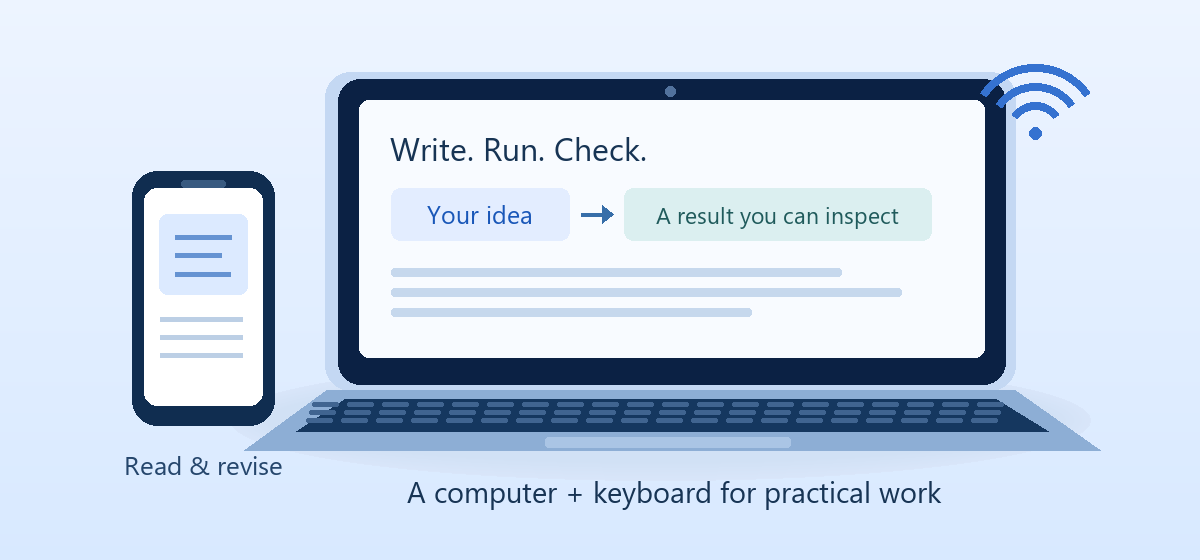
Read on a phone. Build on a computer.
A phone is useful for reading and revision. Coding, WordPress work and command-line projects need a laptop or desktop with a keyboard.
- Check the tools and prerequisites for your chosen route.
- Allow for setup, internet access, storage and backups.
- Advanced labs may need extra hardware or an additional environment.
- Hosting, domains, paid models and optional services are separate costs where used.
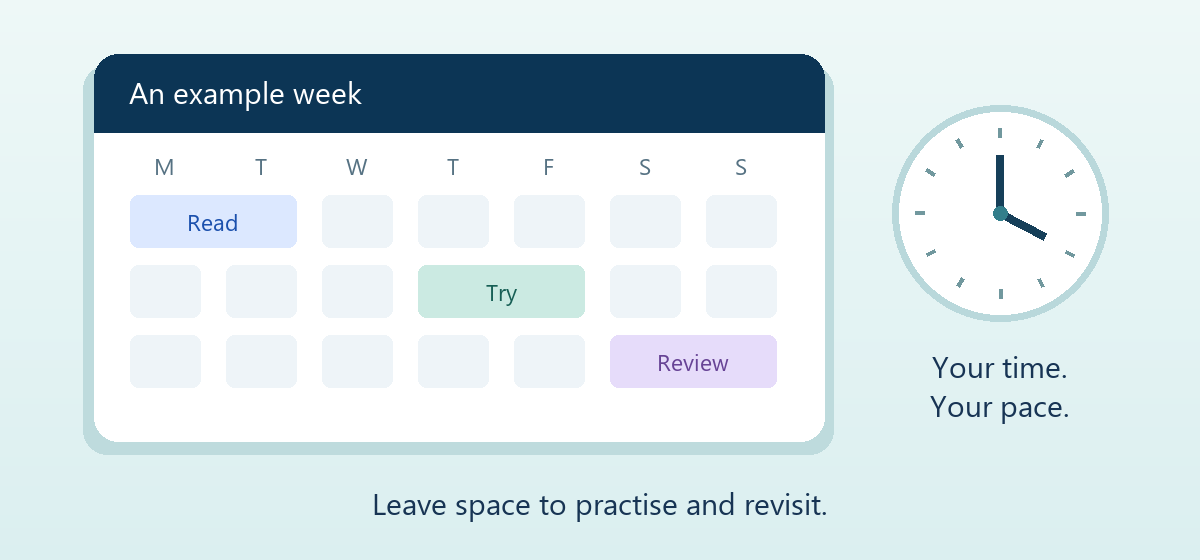
Plan a pace you can return to.
How much time could you realistically set aside each week? Include practice, revision and projects, not just reading.
The course pages include provisional study-time planners. Use their ranges as planning estimates, not deadlines or guarantees of mastery.

Get your bearings before you begin.
Practical guides to choosing a direction, learning useful skills and understanding where AI can help.
Questions before you start?
Clear expectations before your first commitment.